Overview
Updated 12/06/2021
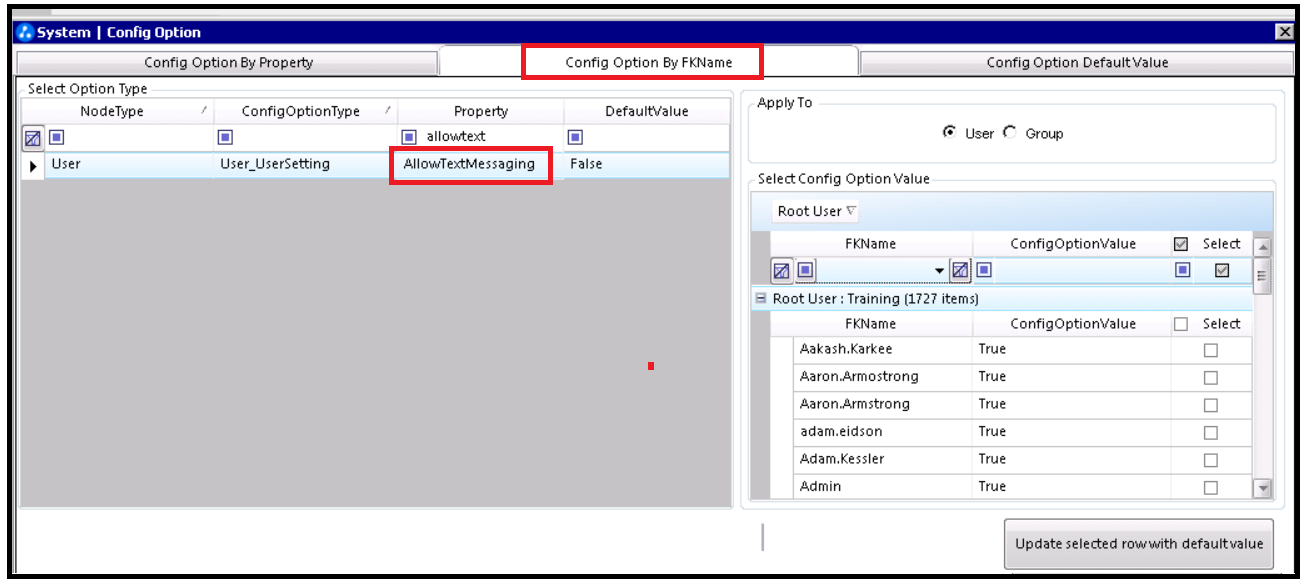
The AllowTextMessaging property controls whether the user can view the Service Provider column in the Contact section for the Employee or Contact section.
AllowTextMessaging properties
| Admin Tools location: | Config Option > Config Option by FKName Tab > Property = AllowTextMessaging |
| Default: | False |
| Valid values: | True: Displays the Service Provider column in the Contact section for the Employee or Contact section. |
| False: Service Provider column is hidden in the Contact section for the Employee or Contact section. | |
| Where the setting is reflected... | Contact Method tab of the Employee and Contact sections. |
Comments
0 commentsPlease sign in to leave a comment.